Free Delivery For the orders above 1000 AED


 COD
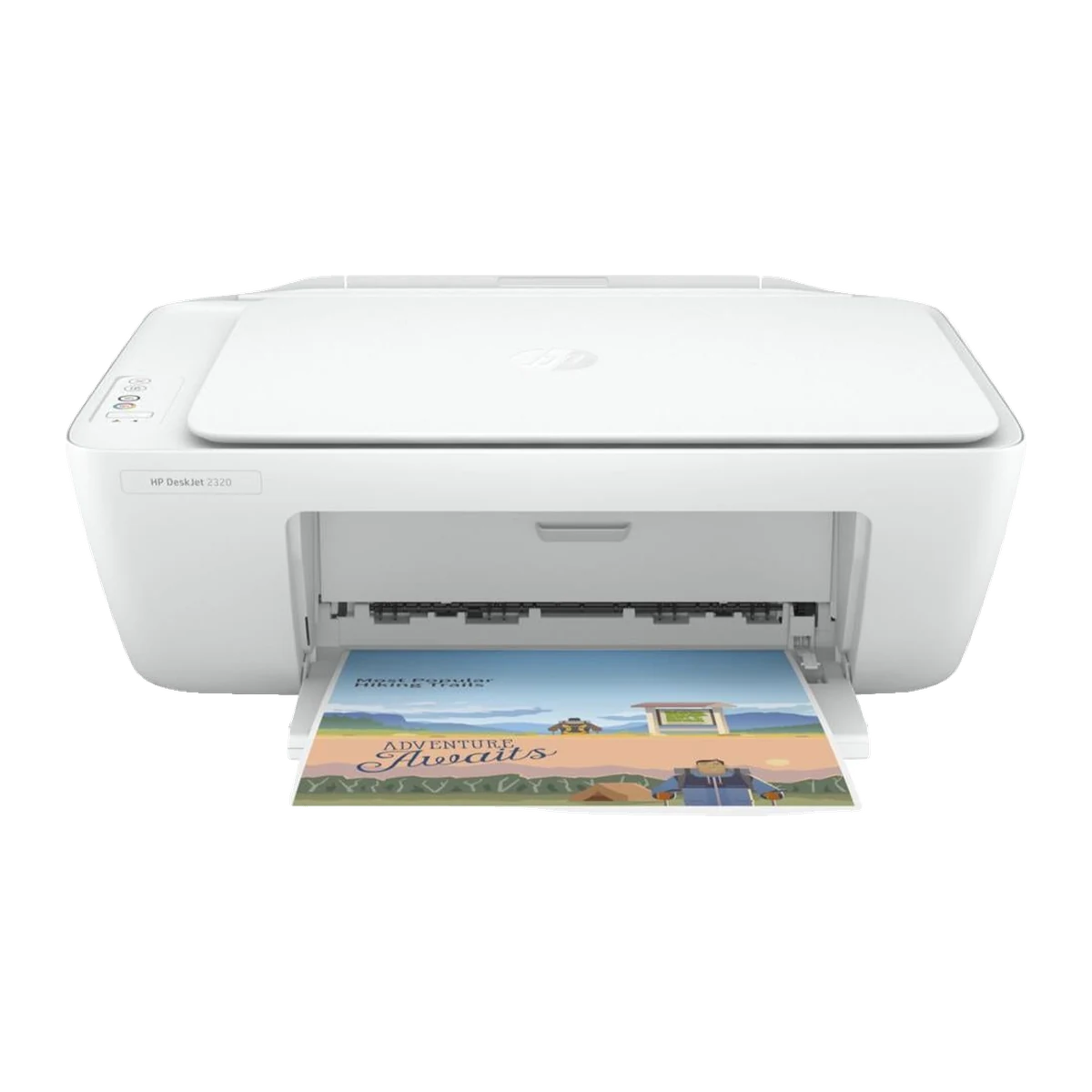
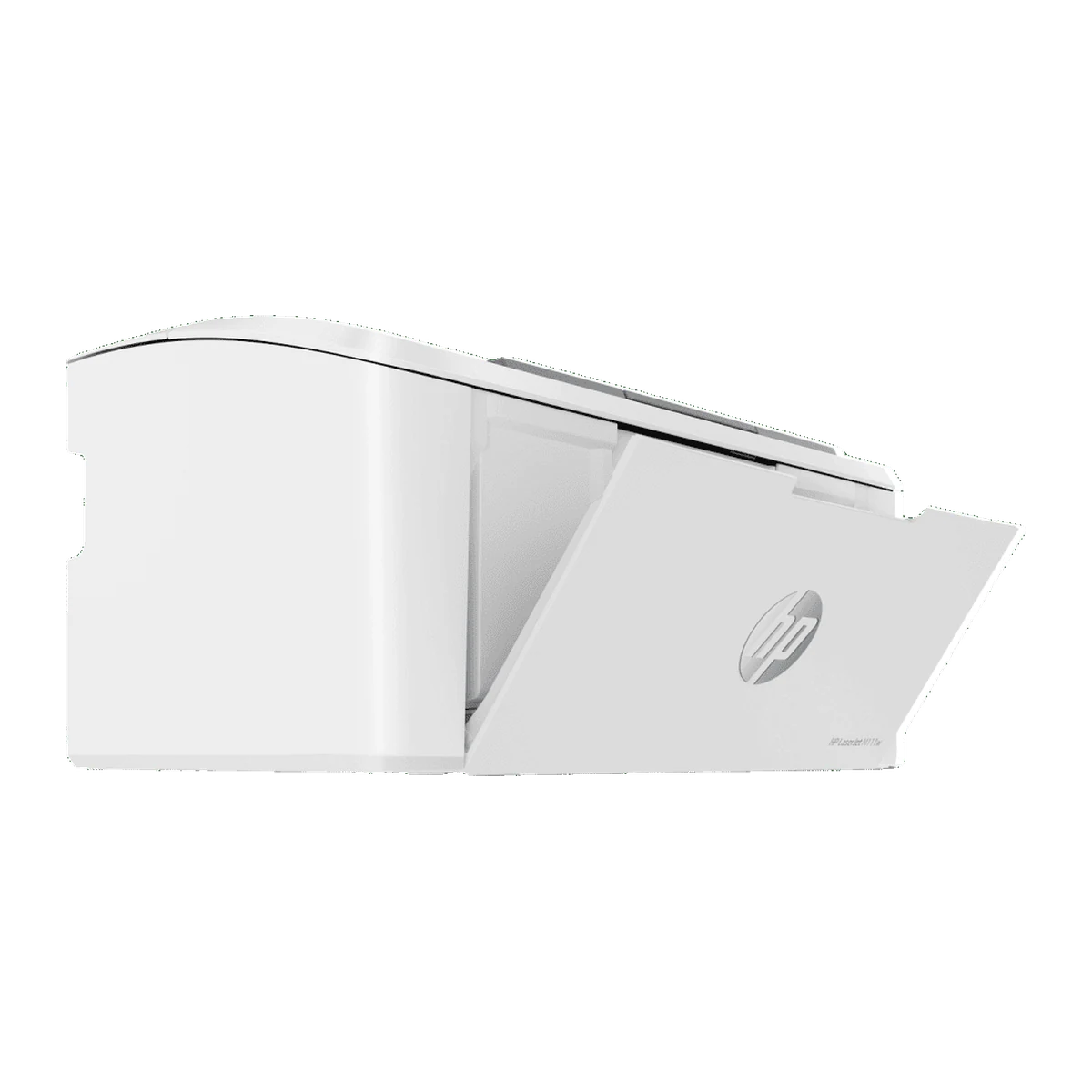
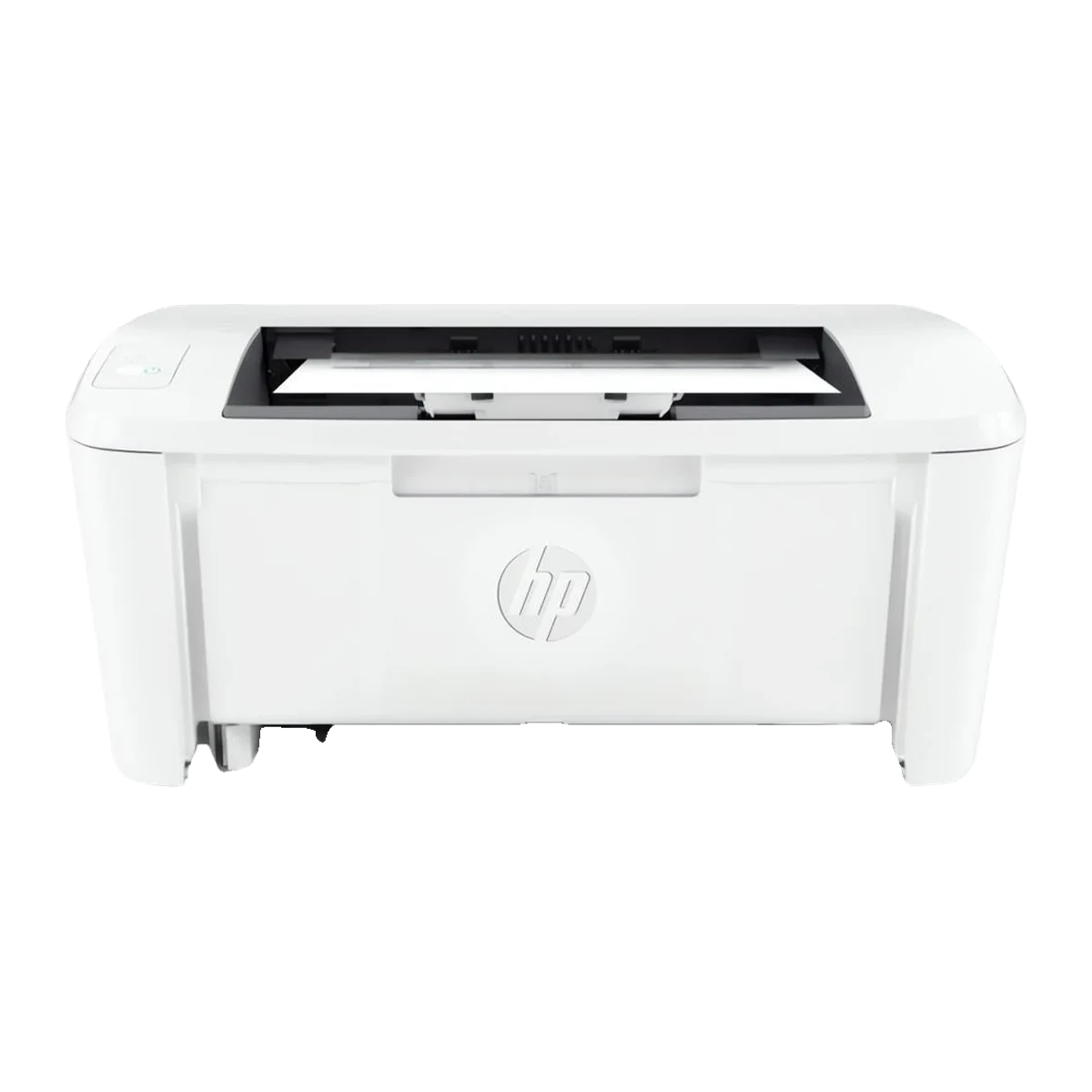
Quick answer: The HP DeskJet 2320 All-in-One Printer (7WN42B) is a compact colour inkjet printer that prints, copies and scans. It prints at up to 7.5 ppm black and 5.5 ppm colour (ISO), has a 1200 dpi flatbed scanner and connects to a Windows or Mac computer with USB. At Tech Point Zone it costs AED 199 in the UAE.
It is one of the lowest-cost ways to print homework, forms, tickets and photos at home. The box includes HP 305 setup cartridges, so you can start printing right away.
The HP DeskJet 2320 costs AED 199 at Tech Point Zone, VAT included, with delivery across Dubai, Abu Dhabi, Sharjah and all Emirates. Buying for an office? Message us on WhatsApp for multi-unit pricing.
| Functions | Print, copy, scan |
|---|---|
| Print technology | HP Thermal Inkjet, colour |
| Print speed (ISO) | Up to 7.5 ppm black, 5.5 ppm colour |
| First page out | As fast as 15 sec black, 18 sec colour |
| Print quality | Up to 1200 x 1200 dpi black, 4800 x 1200 optimised dpi colour |
| Scanner | Flatbed, CIS, up to 1200 dpi |
| Connectivity | 1 Hi-Speed USB 2.0 |
| Paper trays | 60-sheet input, 25-sheet output |
| Duplex | Manual |
| Ink | HP 305 black and tri-color |
Print documents and photos, copy up to 9 copies at a time, and scan to PDF, JPEG or PNG with the flatbed scanner. At 42.5 x 30.4 x 14.9 cm it fits on a small desk or shelf.
Connect the included power cord, install the HP software from 123.hp.com and plug the printer into your computer with a USB 2.0 cable. It works with Windows 11, 10 and macOS.
It uses HP 305 Black (~120 pages) and HP 305 Tri-color (~100 pages) cartridges, or the 305XL high-yield versions (~240 / ~200 pages) for lower cost per page.
HP Auto-Off turns the printer off when it is idle. It draws about 0.05 W when off and 1.83 W when ready.
| Pros | Cons |
|---|---|
| Very low purchase price | USB only: no Wi-Fi or phone printing |
| Print, copy and scan in one | Slow for big jobs (7.5 ppm) |
| 1200 dpi flatbed scanner | Manual two-sided printing |
| Compact and light (3.42 kg) | Small 60-sheet tray |
| Setup ink included | Higher cost per page than ink tank or laser |
| Printer | Type | Functions | Speed (black) | Connectivity | Price (AED) |
|---|---|---|---|---|---|
| HP DeskJet 2320 | Colour inkjet all-in-one | Print, copy, scan | Up to 7.5 ppm | USB | 199 |
| HP LaserJet M111a | Mono laser | Up to 20 ppm | USB | 479 | |
| HP LaserJet M111w | Mono laser | Up to 20 ppm | Wi-Fi, USB | 519 | |
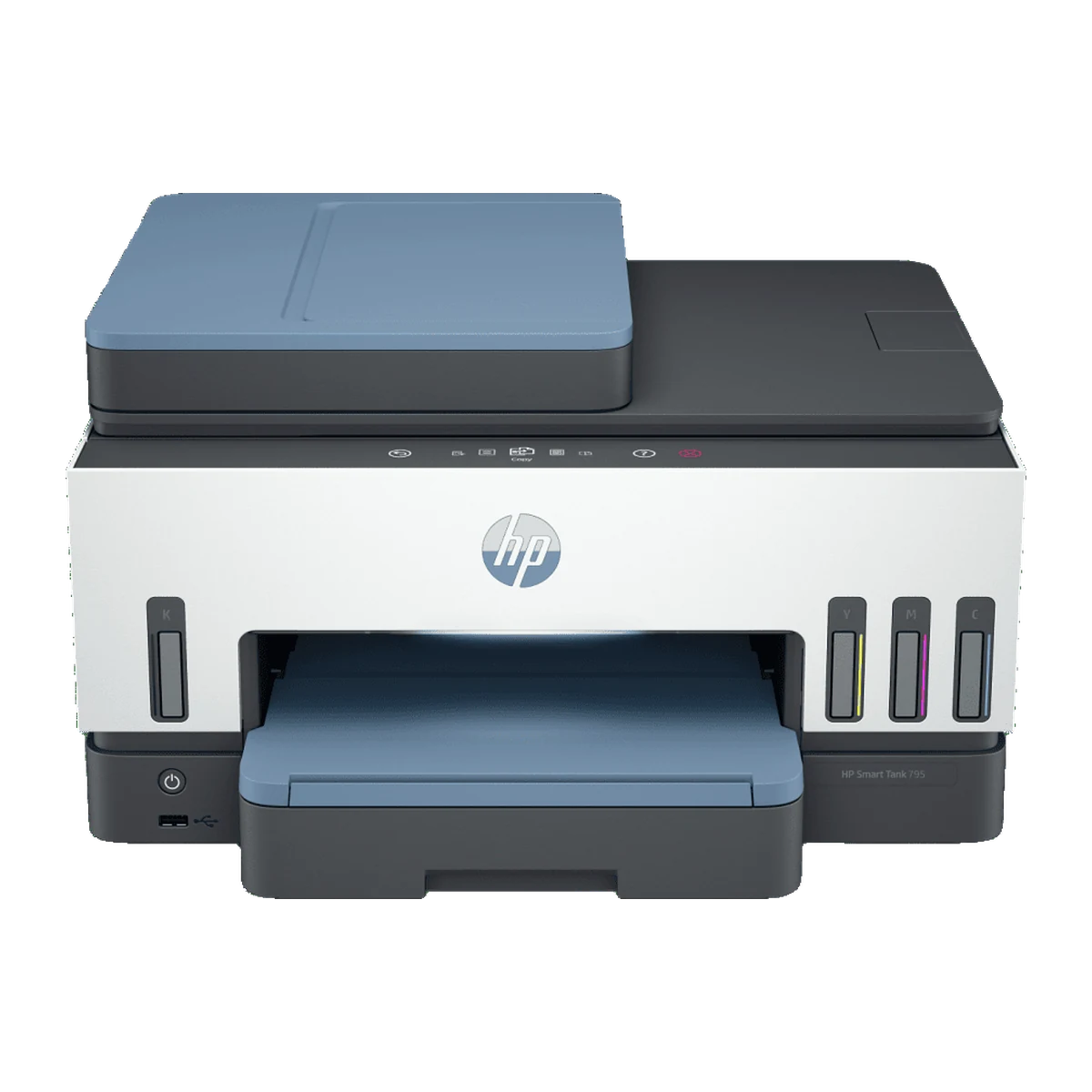
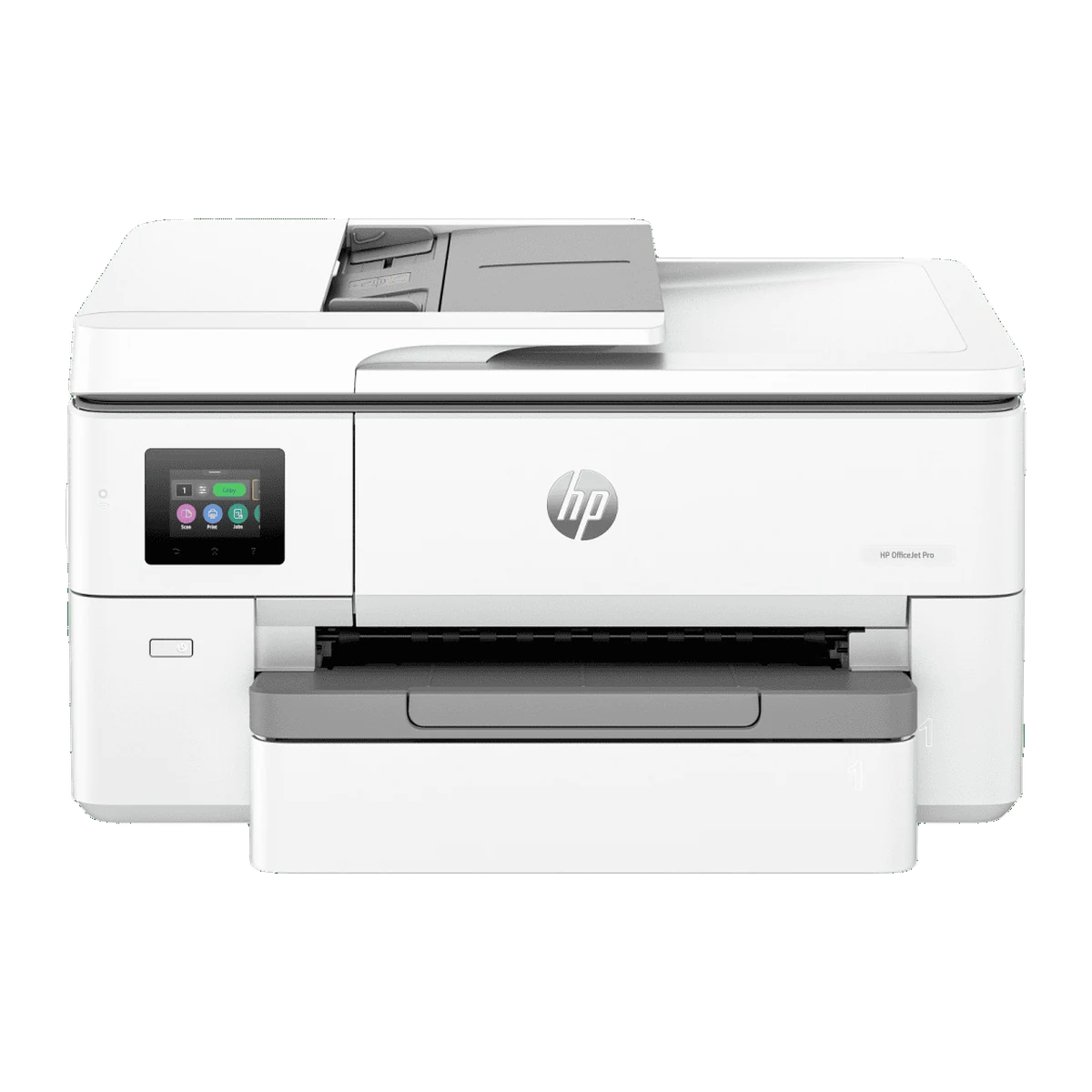
| HP OfficeJet Pro 9720 | Colour inkjet A3 all-in-one | Print (up to A3), copy, scan | Up to 22 ppm | Wi-Fi, Ethernet, USB | 699 |
| HP Smart Tank 795 | Colour ink tank all-in-one | Print, copy, scan, fax | Up to 15 ppm | Wi-Fi, Ethernet, USB | 1,150 |
Choose the DeskJet 2320 for occasional colour printing and scanning at the lowest price. Choose the LaserJet M111a or M111w for frequent black-and-white documents, or the Smart Tank 795 for high-volume colour printing at a low cost per page.
Browse all printers and HP products, or complete your desk with the HP Series 3 Pro 322pf monitor, a business laptop or a student laptop.
| Specification | Details |
|---|---|
| Brand | HP |
| Model | DeskJet 2320 All-in-One |
| Product number | 7WN42B |
| Functions | Print, copy, scan |
| Print technology | HP Thermal Inkjet |
| Print speed black (ISO) | Up to 7.5 ppm |
| Print speed colour (ISO) | Up to 5.5 ppm |
| Print speed draft | Up to 20 ppm black, 16 ppm colour |
| First page out | As fast as 15 sec black, 18 sec colour |
| Print quality | Up to 1200 x 1200 rendered dpi black; up to 4800 x 1200 optimised dpi colour |
| Duty cycle | Up to 1,000 pages per month |
| Recommended volume | 50 to 100 pages per month |
| Duplex printing | Manual (driver support) |
| Scanner | Flatbed, CIS, up to 1200 x 1200 dpi, max 216 x 297 mm |
| Scan formats | JPEG, TIFF, PDF, BMP, PNG |
| Copy speed | Up to 6 cpm black, 3 cpm colour; up to 9 copies |
| Connectivity | 1 Hi-Speed USB 2.0 |
| Wireless / mobile printing | No |
| Paper input / output | 60-sheet input tray / 25-sheet output tray |
| Media sizes | A4, B5, A6, DL envelope; custom 89 x 127 to 215 x 279 mm |
| Cartridges | HP 305 Black (~120 pages), HP 305 Tri-color (~100 pages); XL: ~240 / ~200 pages |
| Compatible OS | Windows 11, 10, 7; macOS |
| Power | 220–240 VAC; 0.05 W off, 1.83 W ready, 0.83 W sleep |
| Dimensions (W x D x H) | 425.2 x 304.1 x 149.1 mm |
| Weight | 3.42 kg |
| Colour | White |
| In the box | Printer, HP 305 setup black and tri-color cartridges, power cord, setup guide, reference guide, regulatory flyer |
| Warranty | HP limited hardware warranty |
Hand-picked products from Printers
The HP DeskJet 2320 All-in-One Printer costs AED 199 at Tech Point Zone, VAT included, with delivery across the UAE.
No. It connects to a computer with a Hi-Speed USB 2.0 cable. It does not have Wi-Fi or mobile printing.
Yes. It prints, copies and scans. The flatbed scanner scans up to 1200 dpi to PDF, JPEG, TIFF, BMP or PNG.
HP 305 Black and HP 305 Tri-color cartridges, or the HP 305XL high-yield versions. Setup cartridges are included in the box.
Up to 7.5 pages per minute in black and 5.5 pages per minute in colour (ISO), with the first black page out in as fast as 15 seconds.
Yes, manually. The driver guides you to flip the pages; there is no automatic duplex.
Yes. It supports Windows 11, 10 and 7 and macOS. Download the software from 123.hp.com.
The box includes the printer, setup cartridges, power cord and guides. If you do not have a USB printer cable, add one when ordering.

There are no reviews yet.