Free Delivery For the orders above 1000 AED


 COD
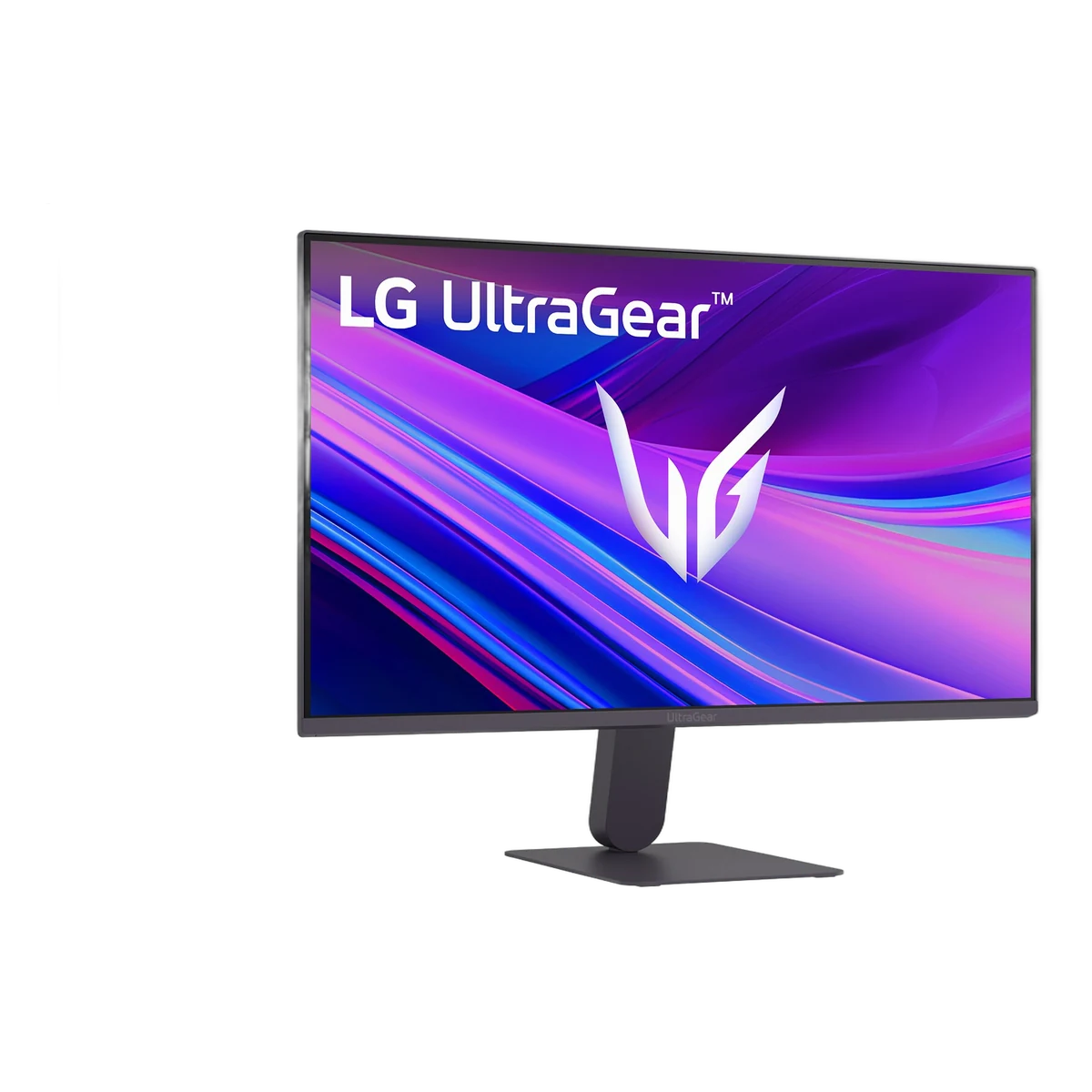
Quick answer: The LG UltraGear 24G411A-B is a 24-inch Full HD IPS gaming monitor with a 120Hz refresh rate that can be overclocked to 144Hz, 1ms Motion Blur Reduction (MBR), 99% sRGB colour, HDR10, and NVIDIA G-SYNC Compatible and AMD FreeSync support. It connects by HDMI 2.0 or DisplayPort 1.4. At Tech Point Zone it costs AED 430 in the UAE.
UltraGear is LG‘s gaming monitor range. The 24G411A-B is the entry point to the series: it gives first-time PC gamers, students and console players a smooth high-refresh IPS screen at a price close to a standard office monitor.
The LG 24G411A-B costs AED 430 at Tech Point Zone, VAT included, with delivery across Dubai, Abu Dhabi, Sharjah and all Emirates. Buying several for a gaming café or office? Message us on WhatsApp for multi-unit pricing.
| Model | LG UltraGear 24G411A-B |
|---|---|
| Screen size | 23.8″ (24-inch class) |
| Panel | IPS, 16:9, anti-glare |
| Resolution | Full HD 1920 × 1080 |
| Refresh rate | 120Hz, overclock to 144Hz |
| Response time | 1ms MBR, 5ms GtG (Faster) |
| Colour | 99% sRGB (typical), 16.7 million colours |
| Brightness / contrast | 250 nits / 1500:1 (typical) |
| Adaptive sync | NVIDIA G-SYNC Compatible, AMD FreeSync |
| Ports | 1 × HDMI 2.0, 1 × DisplayPort 1.4, headphone out |
| Stand | Tilt −5° to 20°; VESA 100 × 100 mm |
Out of the box the monitor runs at 120Hz, twice as many frames per second as a standard 60Hz screen, so motion in games, scrolling and video looks much smoother. You can enable the 144Hz overclock in the on-screen menu; LG notes that HDMI 2.0 supports up to 144Hz, and DisplayPort 1.4 works as well. To get the full benefit, your PC or laptop should reach 120 to 144 frames per second in your games.
1ms MBR uses backlight strobing to make fast-moving targets clearer in shooters such as Valorant, CS2, Fortnite and Call of Duty. The panel’s normal response time is 5ms grey-to-grey at the Faster setting. On most monitors, including LG UltraGear models, MBR cannot be used at the same time as adaptive sync, so choose MBR for competitive games and G-SYNC/FreeSync for everything else.
NVIDIA G-SYNC Compatible and AMD FreeSync match the monitor’s refresh rate to your graphics card, removing screen tearing and stutter when frame rates go up and down. It works with modern NVIDIA GeForce and AMD Radeon graphics, including gaming laptops such as the HP OMEN Slim 16 with RTX 5070 or the MSI Cyborg 15.
The IPS panel gives accurate, consistent colour from wide 178° viewing angles, with 99% sRGB coverage that also suits photo editing, design work and streaming. HDR10 support lets the monitor play HDR content, though at 250 nits it gives an HDR effect rather than the punch of a high-brightness HDR display.
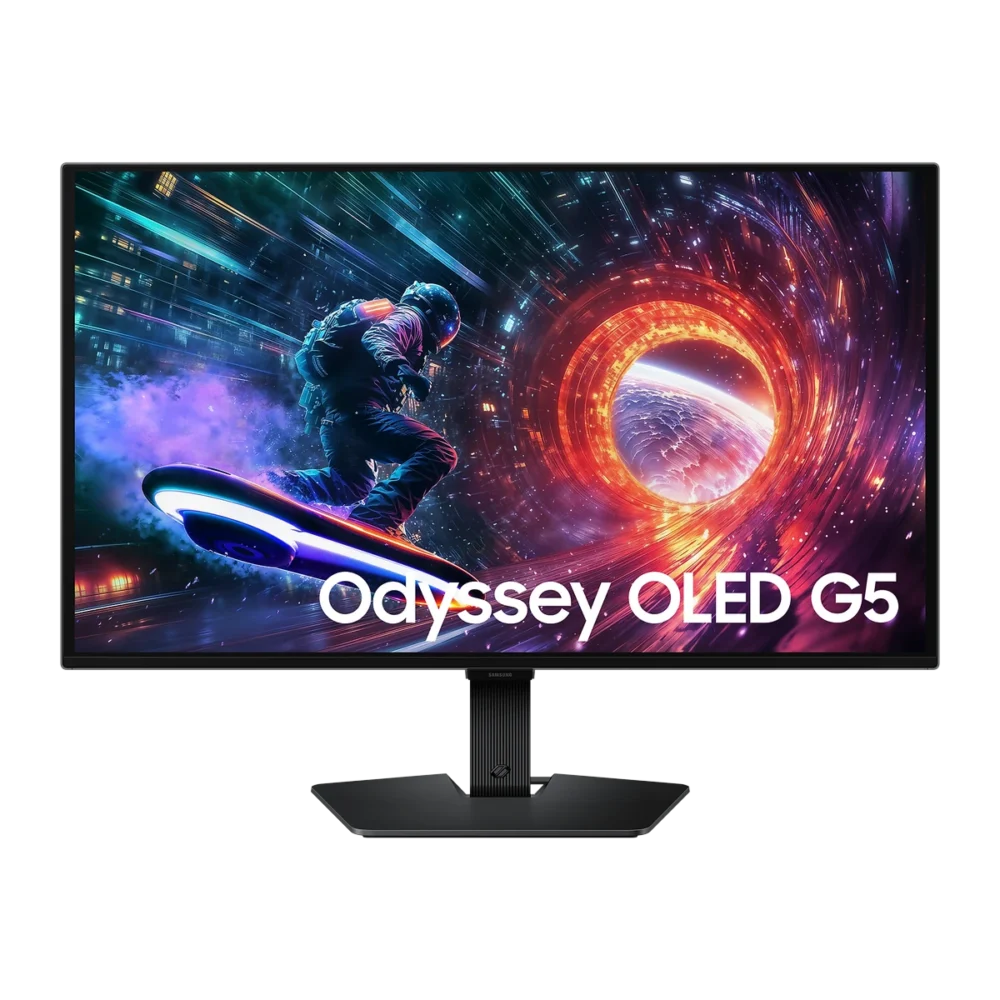
Yes, for most gamers. At 24 inches, 1920 × 1080 looks sharp at normal desk distance, and it is the size most esports players use because the whole screen stays in view. Full HD is also easy for mid-range graphics cards and gaming laptops to run at 120 to 144 frames per second. If you want more detail for single-player games and work, step up to a 27-inch QHD monitor such as the Dell S2725DSM or the Samsung Odyssey OLED G5.
Yes. Connect the console with HDMI. PS5 and Xbox Series X|S can output 1080p at 120Hz, which this monitor supports natively. There are no built-in speakers, so use the headphone output or a headset such as the KGaming K20 wireless gaming headset.
| Pros | Cons |
|---|---|
| Smooth 120Hz, overclock to 144Hz | Stand only tilts (no height or swivel) |
| IPS with 99% sRGB colour | Full HD only, not QHD |
| G-SYNC Compatible and FreeSync | 250 nits: limited HDR |
| DisplayPort 1.4 and HDMI 2.0 | No built-in speakers |
| Low price for an UltraGear monitor | MBR and adaptive sync not usable together |
| Monitor | Size and panel | Refresh rate | Response | Price (AED) |
|---|---|---|---|---|
| LG UltraGear 24G411A-B | 23.8″ IPS FHD | 120Hz (144Hz O/C) | 1ms MBR | 430 |
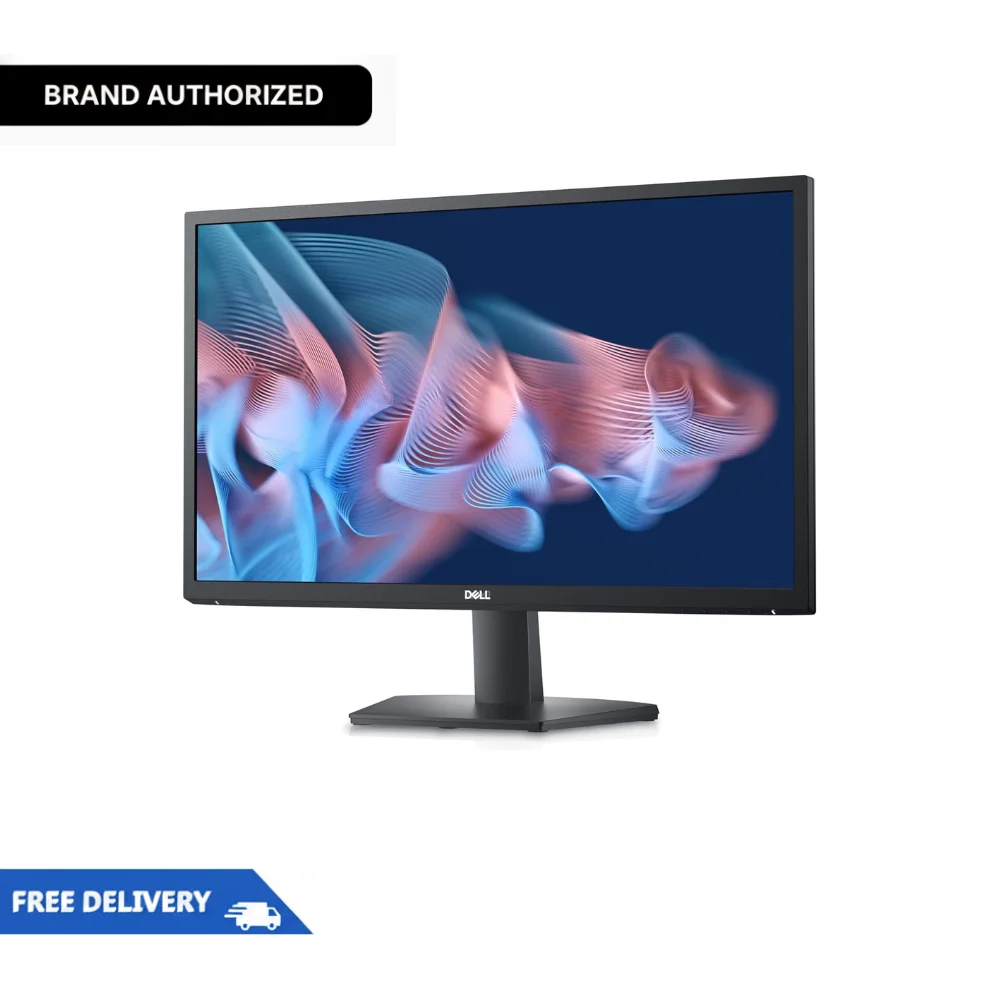
| Dell SE2422H | 23.8″ VA FHD | 75Hz | 5ms | 380 |
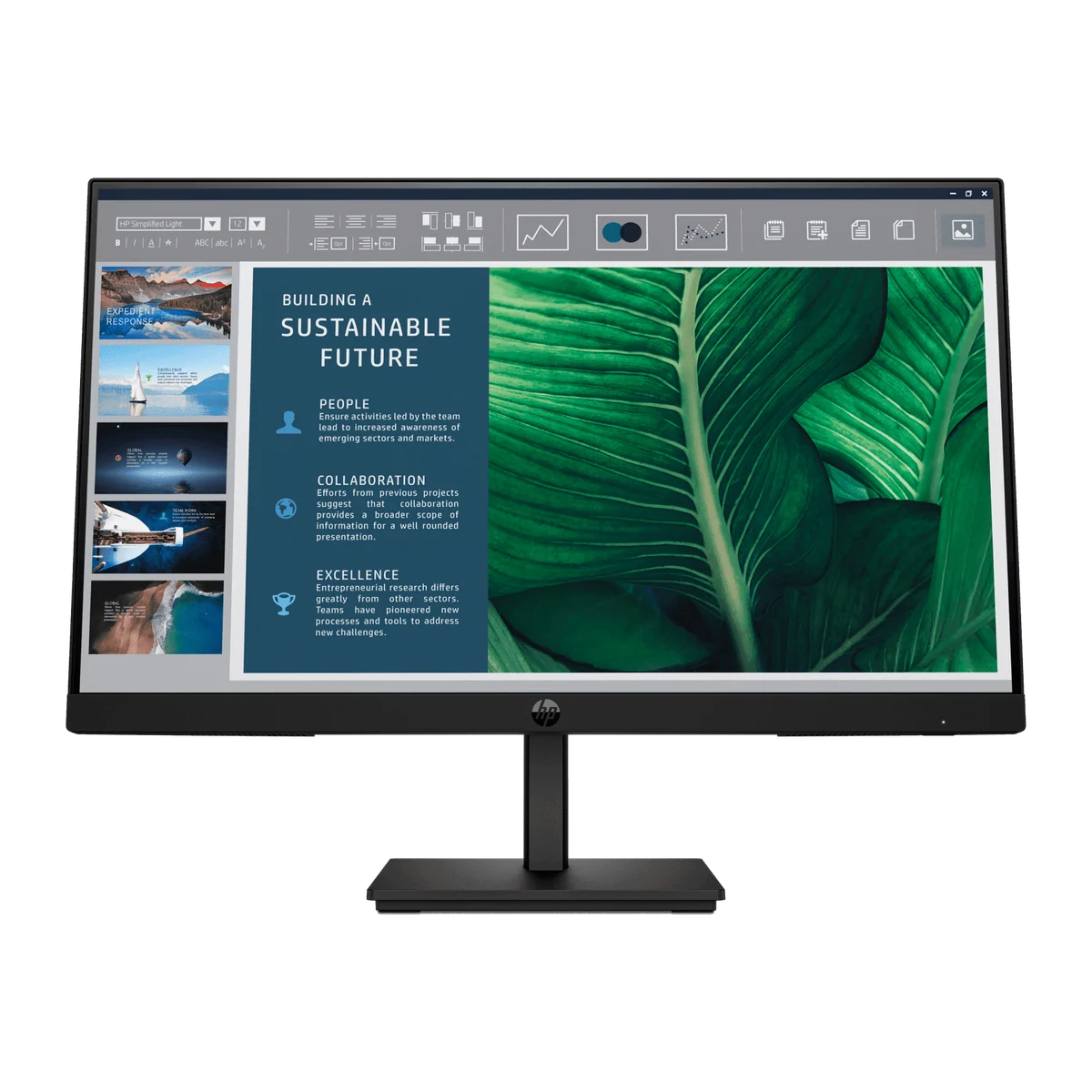
| HP Series 5 524sh | 23.8″ IPS FHD | 100Hz | 5ms | 499 |
| Dell S2425H | 23.8″ IPS FHD | 100Hz | 4ms | 499 |
| Dell S2725DSM | 27″ IPS QHD | 144Hz | 8ms | 1,099 |
Choose the LG UltraGear 24G411A-B for the highest refresh rate in this price range. Choose the Dell SE2422H to save for office work, the HP Series 5 524sh or Dell S2425H for office features such as speakers or height adjustment, or the Dell S2725DSM for a larger 27-inch QHD 144Hz screen.
Browse all monitors in the UAE, pair it with one of our gaming laptops, or add gaming accessories.
| Specification | Details |
|---|---|
| Brand | LG |
| Series | UltraGear |
| Model | 24G411A-B |
| Screen size | 23.8" (24-inch class) |
| Panel type | IPS |
| Resolution | 1920 × 1080 (Full HD) |
| Aspect ratio | 16:9 |
| Pixel pitch | 0.2745 × 0.2745 mm |
| Refresh rate | 120Hz, overclock to 144Hz |
| Response time | 1ms MBR; 5ms GtG (Faster) |
| Brightness | 250 cd/m² typical, 220 cd/m² minimum |
| Contrast ratio | 1500:1 typical |
| Colour gamut | 99% sRGB typical (CIE1931) |
| Colour depth | 16.7 million |
| Viewing angle | 178° / 178° |
| HDR | HDR10, HDR Effect |
| Adaptive sync | NVIDIA G-SYNC Compatible, AMD FreeSync |
| Gaming features | Black Stabilizer, Dynamic Action Sync, Crosshair, FPS Counter |
| Eye care | Reader Mode, Flicker Safe |
| Ports | 1 × HDMI 2.0 (up to 144Hz), 1 × DisplayPort 1.4, 1 × headphone out |
| Stand | Tilt −5° to 20° |
| Wall mount | VESA 100 × 100 mm |
| Power | External adapter, 100–240V; sleep under 0.5W |
| Dimensions with stand (W × H × D) | 539.4 × 412 × 220 mm |
| Dimensions without stand | 539.4 × 317.1 × 38.7 mm |
| Weight | 3.3 kg with stand, 2.4 kg without |
| In the box | Monitor, stand, power adapter, HDMI cable |
| Warranty | LG limited warranty |
Hand-picked products from Monitors
The LG UltraGear 24G411A-B costs AED 430 at Tech Point Zone, VAT included, with delivery across the UAE.
It runs at 120Hz natively and can be overclocked to 144Hz in the monitor menu, over HDMI 2.0 or DisplayPort 1.4.
Yes. It is NVIDIA G-SYNC Compatible and also supports AMD FreeSync, so it works with both GeForce and Radeon graphics.
1ms with Motion Blur Reduction (MBR) turned on, and 5ms grey-to-grey at the Faster overdrive setting.
The visible screen is 23.8 inches diagonal, which is sold as a 24-inch class monitor.
No. It has a headphone output for headphones or external speakers.
No. The slim stand tilts from −5° to 20°. For more adjustment, mount it on a VESA 100 × 100 mm arm.
Yes. Both consoles can output 1080p at 120Hz over HDMI, which the monitor supports natively.
LG includes an HDMI cable and the power adapter. A DisplayPort cable is sold separately.


There are no reviews yet.