Free Delivery For the orders above 1000 AED


 COD
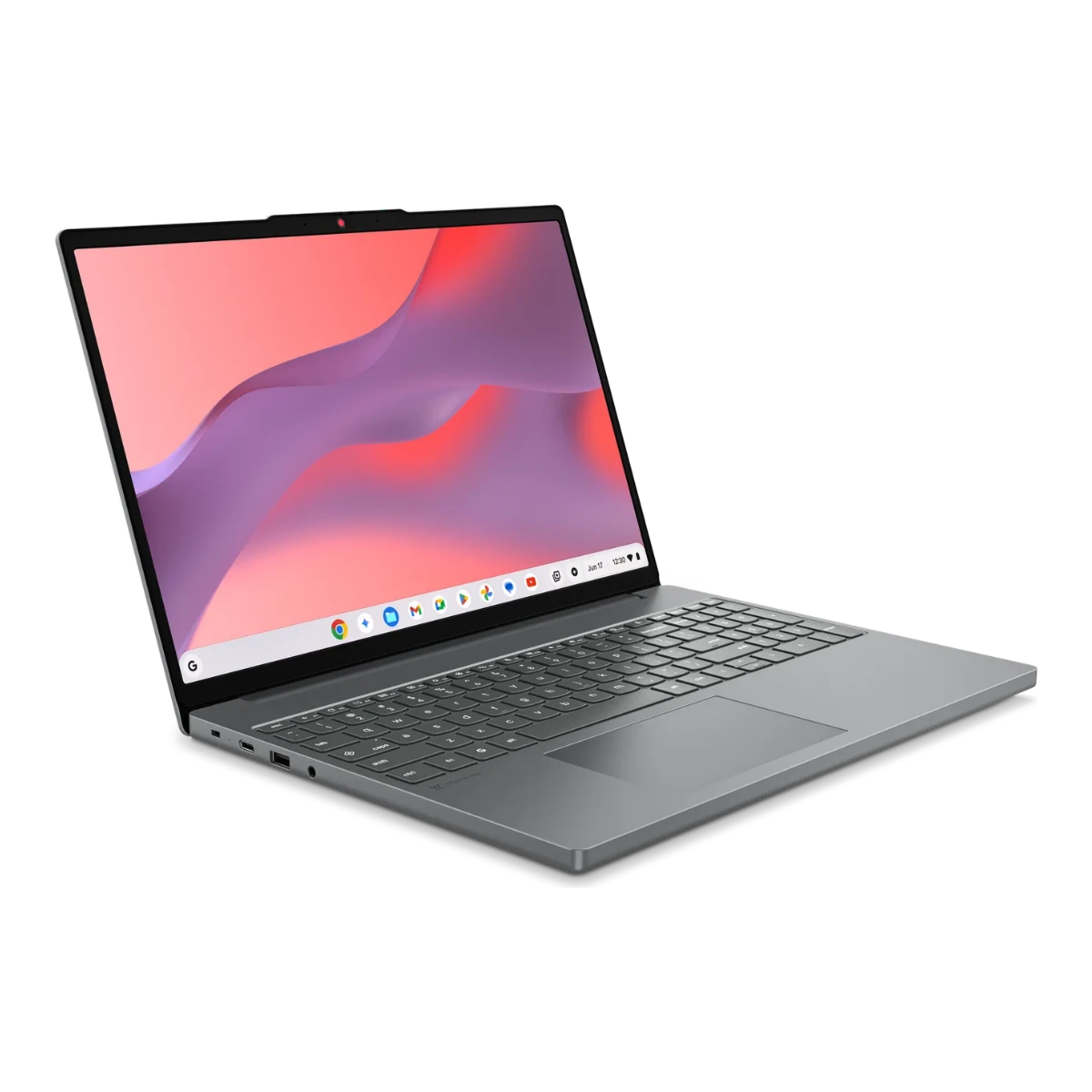
Quick answer: The Lenovo Chromebook m 15 (Lenovo Chrome 15M8910, 83W70017US) is a 15.3-inch ChromeOS laptop with an 8-core MediaTek Kompanio 540, 4GB LPDDR5X RAM, 64GB UFS storage and a bright WUXGA (1920 x 1200) anti-glare screen. It has Wi-Fi 6E, a keyboard with a numeric keypad and up to 16 hours of battery life. At Tech Point Zone it costs AED 999 in the UAE.
It is part of Lenovo’s new Chromebook m range. Chromebooks start in seconds, update automatically in the background and have built-in virus protection, which makes them ideal for school, browsing and simple office work. The chassis has passed MIL-STD-810H military testing, and the finish is Luna Grey.
| Model | Lenovo Chromebook m 15 (Chrome 15M8910), 83W70017US |
|---|---|
| Processor | MediaTek Kompanio 540, 8 cores (2 x A78 up to 2.6GHz + 6 x A55 up to 2.0GHz) |
| Graphics | Arm Mali-G57 MC2 (integrated) |
| Memory | 4GB LPDDR5X-6400 (soldered) |
| Storage | 64GB UFS 2.2 (no card reader) |
| Display | 15.3″ WUXGA (1920 x 1200) IPS, 16:10, 400 nits, anti-glare, non-touch |
| Wireless | Wi-Fi 6E and Bluetooth 5.3 |
| Ports | 2 x USB-C (5Gbps, charging, DisplayPort), 2 x USB-A 5Gbps, HDMI 1.4b, audio jack |
| Battery | 50Wh, up to 16 hours, Rapid Charge |
| Weight | From 1.56 kg |
| Operating system | ChromeOS |
Google Classroom, Docs, Slides, Zoom and Google Meet run smoothly, and the 720p webcam has a privacy shutter. The large 15.3-inch screen and full keyboard with a numeric keypad make it comfortable for long study sessions, a great budget student laptop.
The 8-core Kompanio 540 handles web browsing, YouTube and Netflix, email and Android apps from Google Play. The bright 400-nit anti-glare screen is easy to read near a window.
A 50Wh battery lasts up to 16 hours by Google’s test and fast-charges to 50% in about 30 minutes. ChromeOS updates itself and includes built-in security, so there is no antivirus to buy.
For ChromeOS, 4GB RAM is fine for a few browser tabs, Google Docs, video calls and streaming. 64GB holds ChromeOS, apps and offline files, while most documents and photos live in Google Drive. If you keep many tabs open or need Windows software such as full Microsoft Office desktop apps, choose a Windows laptop with 8GB or 16GB RAM instead. Memory and storage are soldered and cannot be upgraded.
Choose it if you want a simple, secure, long-lasting laptop for school, browsing and Google apps at a low price. It does not run Windows programs, games beyond Android titles, or heavy editing software. 4GB RAM limits heavy multitasking, there is no SD card slot or backlit keyboard, and the screen is not a touchscreen.
| Pros | Cons |
|---|---|
| Large 15.3″ WUXGA anti-glare screen, 400 nits | 4GB RAM limits heavy multitasking |
| Up to 16 hours battery with fast charging | 64GB storage, not upgradable |
| Wi-Fi 6E, USB-C charging and HDMI | Does not run Windows software |
| Full keyboard with numeric keypad | No backlit keyboard or card reader |
| MIL-STD-810H tested, auto-updating ChromeOS | Basic 720p webcam |
| Laptop | Processor | Graphics | RAM / storage | Display | Price (AED) |
|---|---|---|---|---|---|
| Lenovo Chromebook m 15 (83W70017US) | MediaTek Kompanio 540 | Mali-G57 | 4GB / 64GB | 15.3″ WUXGA IPS | 999 |
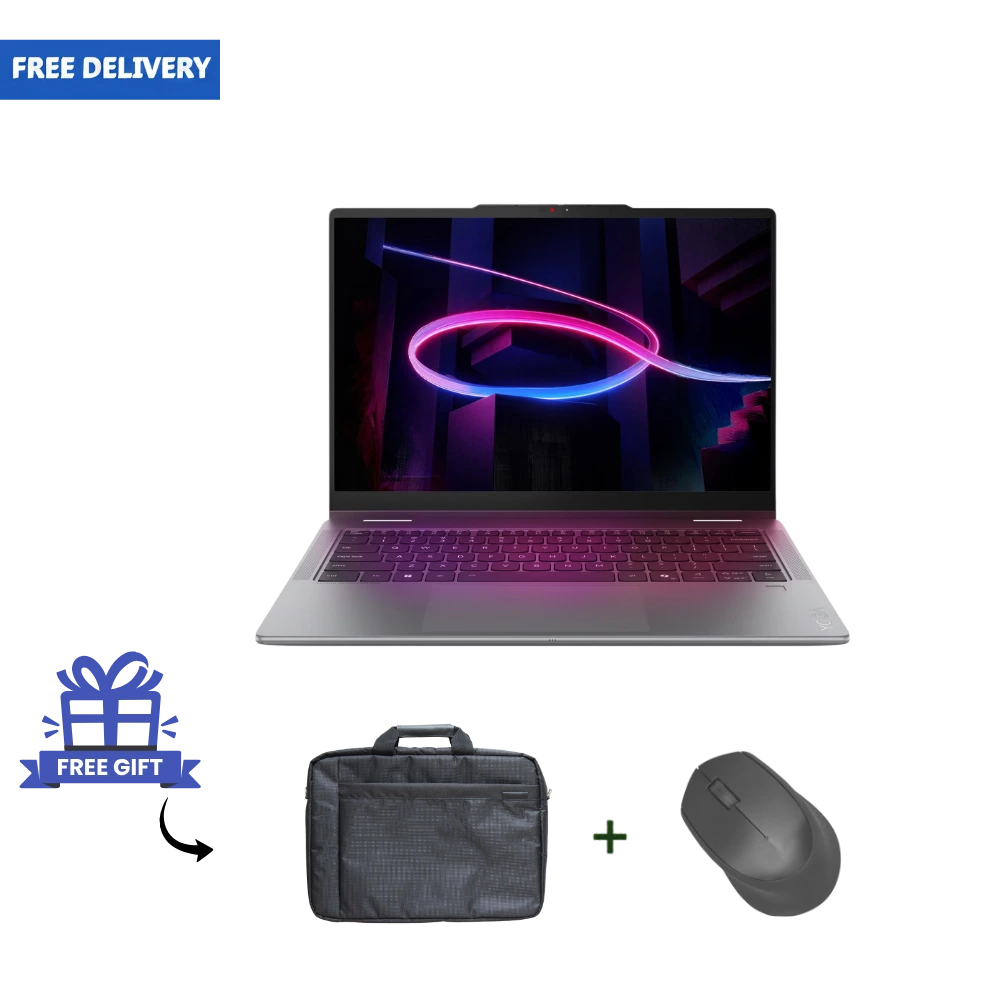
| ASUS CX14 Chromebook | Intel N50 | Intel UHD | 4GB / 64GB | 14″ FHD | 970 |
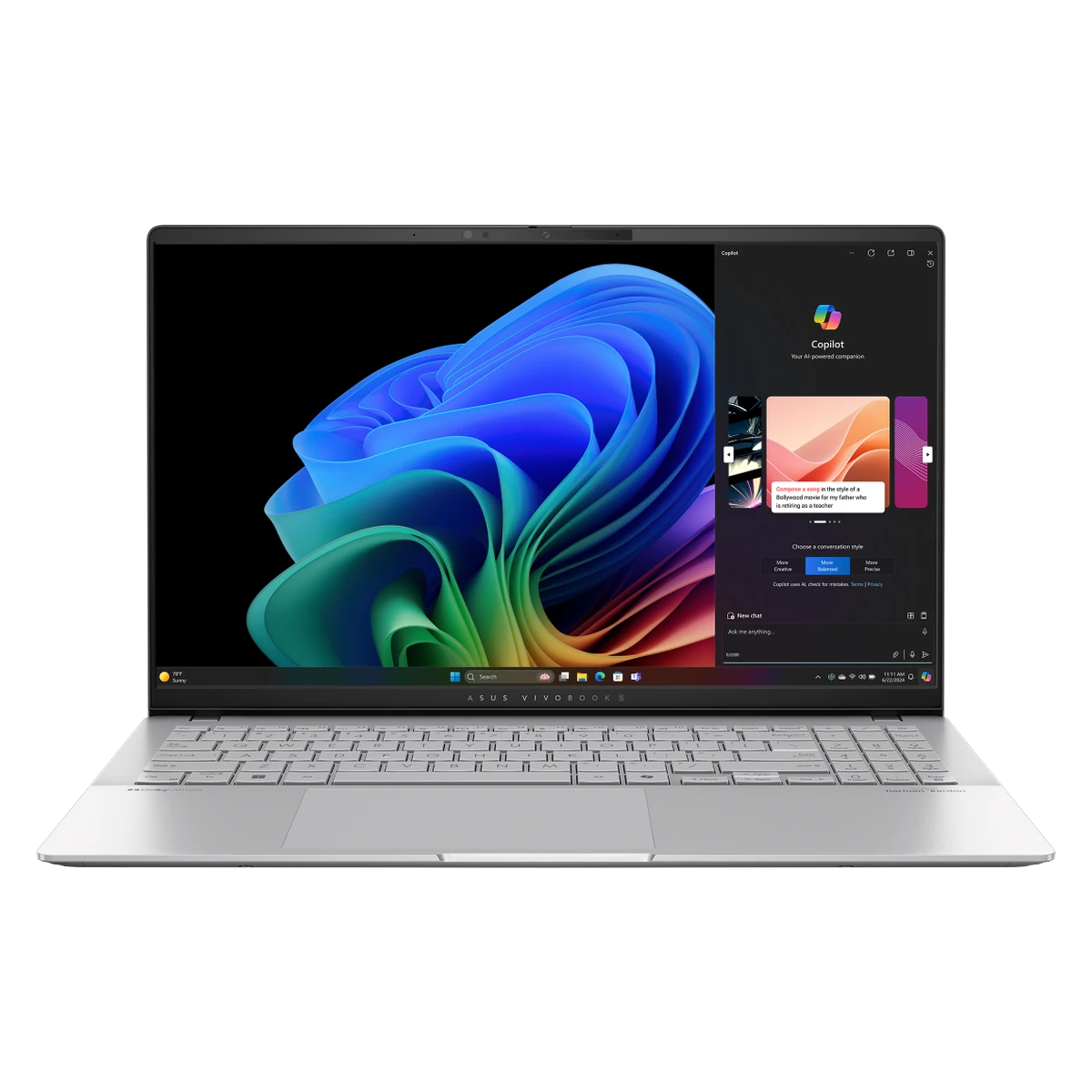
| HP OmniBook 3 16 | Core Ultra 5 225U | Intel Graphics | 8GB / 512GB | 16″ Windows laptop | 2,350 |
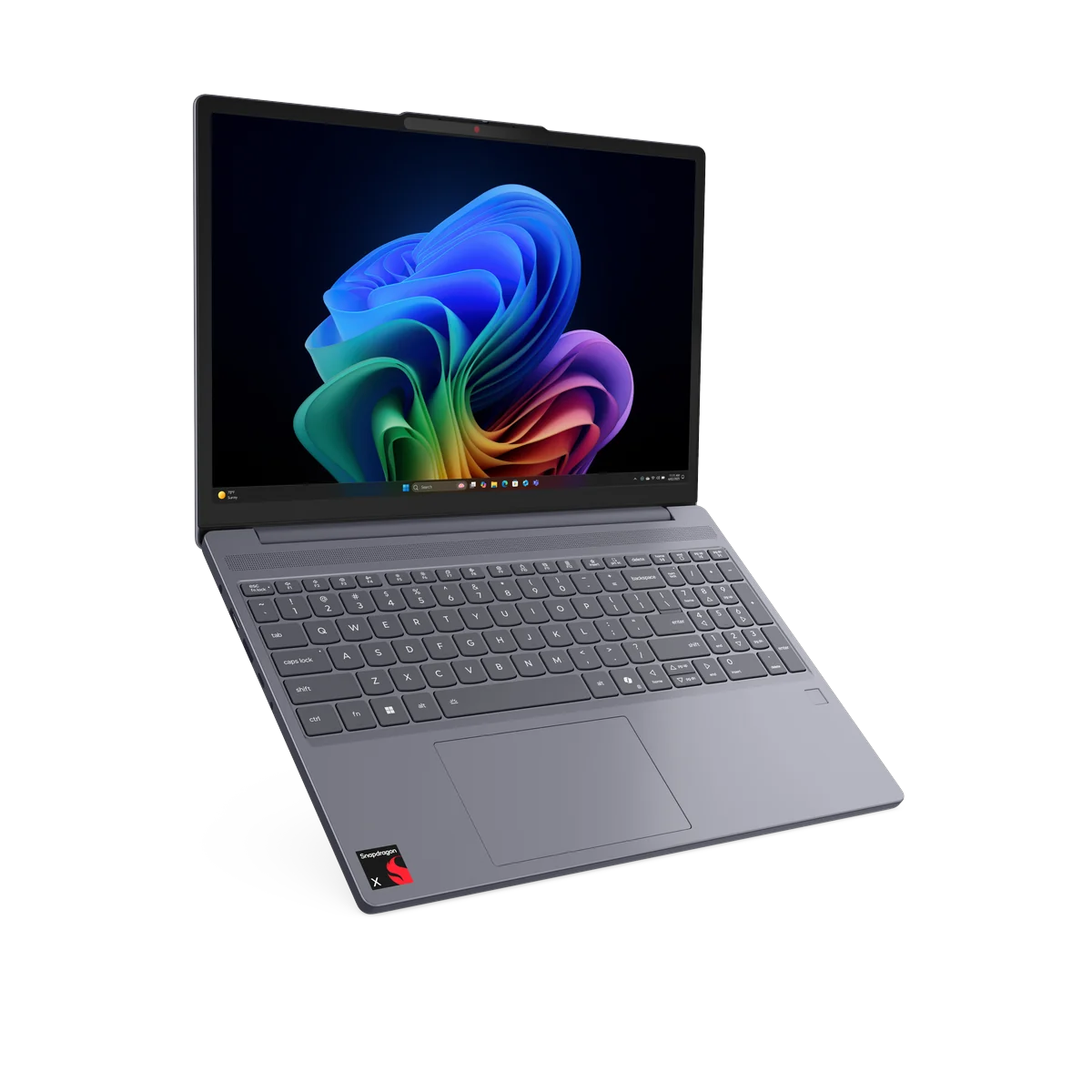
| Lenovo IdeaPad Slim 3x | Snapdragon X | Adreno | 16GB / 256GB–1TB | 15.3″ WUXGA touch | from 2,670 |
Need Windows software and more storage? Consider the HP OmniBook 3 16 or the Lenovo IdeaPad Slim 3x. Prefer a smaller Chromebook? See the ASUS CX14. Browse all student laptops and accessories.
| Specification | Details |
|---|---|
| Brand | Lenovo |
| Series | Chromebook m 15 (Gen 10) |
| Model | Lenovo Chrome 15M8910 |
| Part number | 83W70017US |
| Barcode (UPC) | 199276831408 |
| Colour | Luna Grey |
| Processor | MediaTek Kompanio 540, 8 cores, up to 2.6GHz |
| Graphics | Arm Mali-G57 MC2 |
| Memory | 4GB LPDDR5X-6400, soldered |
| Storage | 64GB UFS 2.2 |
| Display | 15.3" WUXGA 1920 x 1200 IPS, 400 nits, anti-glare, 60Hz |
| Wireless | Wi-Fi 6E, Bluetooth 5.3 |
| Ports | 2 x USB-C 5Gbps (PD, DP), 2 x USB-A 5Gbps, HDMI 1.4b, audio jack |
| Camera | 720p with privacy shutter |
| Keyboard | Full-size with numeric keypad, not backlit |
| Battery | 50Wh, up to 16 hours |
| Adapter | 65W USB-C |
| Dimensions | 344 x 241.8 x 18.95 mm |
| Weight | From 1.56 kg |
| Durability | MIL-STD-810H tested |
| Operating system | ChromeOS |
| Warranty | Manufacturer warranty |
Hand-picked products from Student Laptops
The Lenovo Chromebook m 15 (83W70017US) with Kompanio 540, 4GB RAM and 64GB storage costs AED 999 at Tech Point Zone, VAT included.
A Chromebook is a laptop that runs Google's ChromeOS. It starts in seconds, updates automatically, has built-in virus protection and works with Google apps, web apps and Android apps from the Play Store.
You can use Microsoft 365 web apps (Word, Excel, PowerPoint online) in the browser. It cannot install Windows desktop software.
Yes for browsing, Google Docs, online classes and streaming on ChromeOS. For heavy multitasking with many tabs, an 8GB model or Windows laptop is better.
No. Both the 4GB LPDDR5X memory and 64GB UFS storage are soldered. Use Google Drive or a USB drive for extra space.
Lenovo rates the 50Wh battery at up to 16 hours, and it can charge to 50% in about 30 minutes with the 65W USB-C charger.
No. It is a 15.3-inch WUXGA (1920 x 1200) IPS non-touch display with a 400-nit anti-glare finish.
Yes. ChromeOS supports Arabic for the interface and typing, and you can add an Arabic keyboard layout in settings.
Yes. It is simple, secure and durable (MIL-STD-810H tested), with a full-size keyboard and number pad and a privacy shutter on the webcam.
Delivery is free across all Emirates on orders over AED 1,000. You can also collect it from our Bur Dubai showroom.


There are no reviews yet.